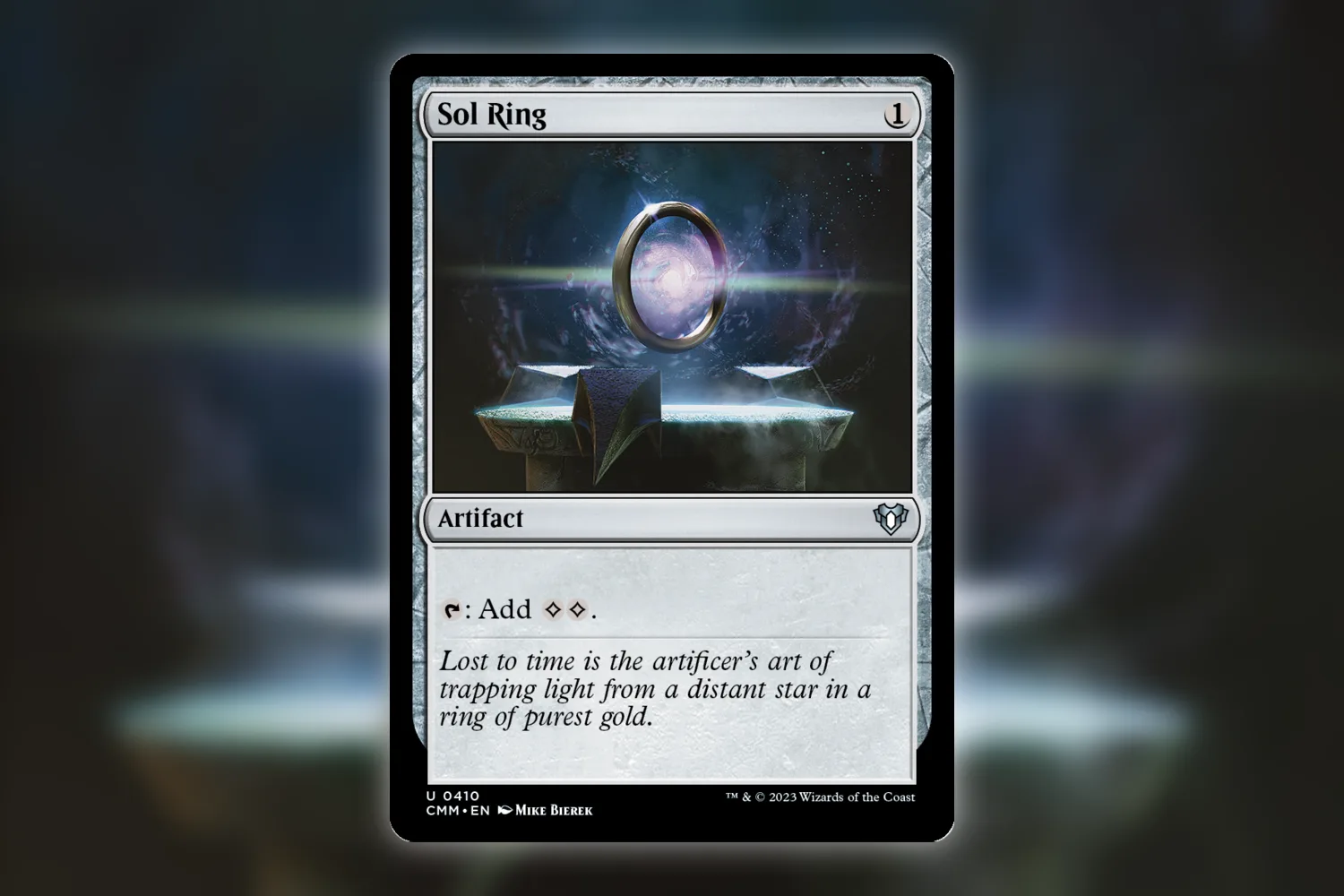
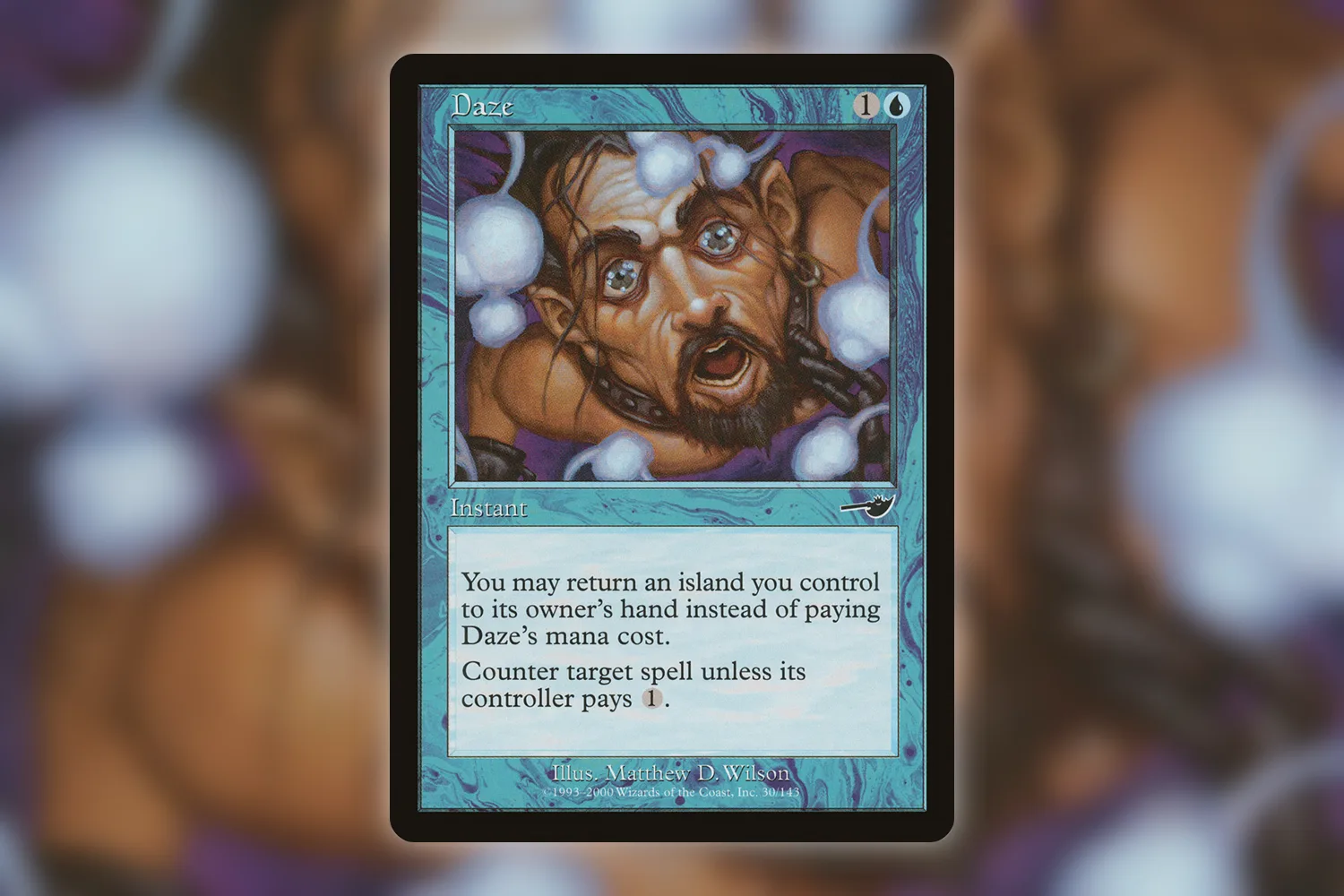
I keep my collection in one app and my partner keeps hers in another, and for about a year we just lived with that. Then her app got bought, went subscription-only overnight, and she wanted out. Moving an MTG collection between apps sounds like it should be a single button. It usually is a single button. The button just doesn’t always do what you think it does.
Every collection app spits your cards out as a CSV file. Moxfield, Archidekt, ManaBox, Deckbox, the scanner apps, all of them. A CSV is just a spreadsheet in plain text: one row per card, columns for the stuff that describes it. Name, set, quantity, foil or not, condition, maybe language and what you paid. You download that file out of app A, you upload it into app B, and that’s the entire migration. In theory.
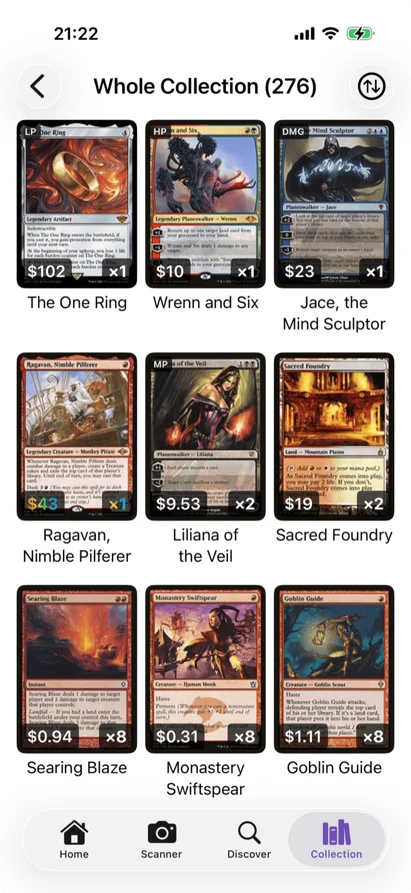
The catch is that there’s no agreed-on format. None. Every app names its columns differently, encodes the same information differently, and makes different assumptions about what’s even worth recording. The CSV that comes out of ManaBox is not the CSV that Moxfield expects, and the gap between the two is where your data quietly falls on the floor.
What actually breaks
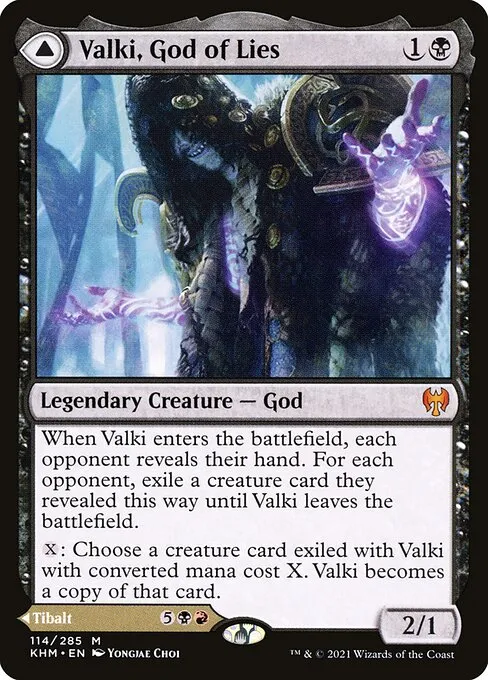
Double-faced cards are usually the first thing to go. I watched it happen with a stack of Kaldheim gods. The export listed Valki as “Valki, God of Lies”, just the front half, and the app I was importing into went looking for a single-faced card with exactly that name, didn’t find one, and dropped it. Scryfall’s convention is the full thing, both halves joined: “Valki, God of Lies // Tibalt, Cosmic Impostor”. Apps that follow that convention talk to each other fine. Apps that only write the front half don’t, and you don’t find out until you’re scrolling your new collection wondering where your modal DFCs went.
Set identification is the next one. Some apps write the set code (khm), some write the full set name (Kaldheim), and the names are where it gets stupid. One app says “Innistrad: Midnight Hunt”, another says “Innistrad Midnight Hunt”, another just “Midnight Hunt”. The codes are stable across every site because they come from Scryfall. The names drift. So if your export gives you a choice of columns, take the set code every single time. And if there’s a Scryfall ID column in there, you’ve basically already won, because that’s a unique fingerprint for the exact printing and any importer worth using will reach for it before anything else.
Foil status and condition are messier, and I’ll be honest, I don’t think there’s a clean fix for the second one. Foil is sometimes a column that literally says “foil”, sometimes a separate quantity column sitting next to the regular one, sometimes just a blank-or-filled cell. Condition is worse. Some apps use six grades, some use seven, and they don’t name them the same way, so one app’s “Good” is another app’s “Lightly Played”. Map a 7-grade scale onto a 6-grade one and something gets rounded off. There’s no math that makes that not happen.
Honestly, for most of my collection I’ve stopped fighting to preserve condition across a move. Bulk rare comes through as near-mint-ish, fine, whatever. For the cards where condition genuinely changes what they’re worth, I’d rather re-check those few by hand than trust a lossy column mapping. Although, okay, if you’re sitting on a big collection of high-grade stuff, that’s real work to redo, and I get why someone would dig in and fight for every column. I just personally don’t have the patience.
Then there’s the boring stuff that breaks the whole file at once. Card names with accented letters, Lim-Dûl’s Vault, Jötun Grunt, anything with an Æ in it, need the file saved as UTF-8 or they arrive as garbage symbols. And some apps export with semicolons between values instead of commas, which a comma-expecting importer reads as one enormous unsplittable column. So yeah. You open the file, it looks like complete nonsense, you assume your whole collection got corrupted, and it didn’t, it’s a punctuation thing. Took me an embarrassingly long time to work that out the first time I hit it.
How to not lose an evening
Before you move four thousand cards, move thirty. Export a small chunk, import just that into the new app, and actually look at it. Are the printings right? Did the foils stay foil? Did the double-faced cards land where they should? Thirty cards takes two minutes to eyeball, and it tells you whether the format works before you’ve committed your whole collection to a broken import.
Keep the original export file. Don’t delete it the second the import says “success”, because “the import finished” and “the import did the right thing” are not the same sentence. I hang onto the raw CSV from the old app in a folder until I’ve used the new one long enough to actually trust it, usually a month or so. It’s a few hundred kilobytes. Cheapest insurance you’ll ever buy.
The first time I did one of these moves I was coming off an app I’d used since, god, Khans of Tarkir? I’d scanned my whole collection into it over about three winters, mostly on the couch during games I wasn’t really watching, and I had this irrational dread that the migration would just erase all of it. It didn’t erase anything. It mangled about 6% of it, which is somehow worse, because 6% is small enough that you don’t notice and big enough that it matters.
If the formats flat-out won’t talk to each other, converter tools exist. People have built web apps and little scripts that take, say, a ManaBox export and rewrite it into Moxfield’s exact column layout. MtgCsvHelper is one that juggles a bunch of the popular formats at once. I won’t walk through a specific one because they come and go, but the search term is “[app A] to [app B] CSV converter”, and someone has almost certainly already hit your exact pairing and posted a fix.
You can also just fix the file yourself, which is less scary than it sounds. Open the CSV in Google Sheets, rename the header row to whatever the new app’s importer expects, do a find-and-replace on the semicolons if there are any, export it back out as a UTF-8 CSV. Tedious? Yes. But for a one-time move it’s often faster than hunting down a converter that handles your specific pair of apps, and you see exactly what’s in your collection while you’re in there. That’s how I found a block of 200 cards I’d somehow scanned twice.
The good news is that the apps built more recently mostly try to be polite about all this. ManaBox, for one, will tell you exactly which rows failed and why, let you import the good ones, and hand you back a CSV of just the broken cards to fix and re-import. That’s the behavior you want. When I’m scanning a collection into something new I’d much rather the app admit “these twelve cards confused me” than silently swallow them and let me discover the hole three weeks later. Eldwyn handles import the same way, flagging what it couldn’t match instead of pretending the file came in clean.
And if you’re choosing a collection app today, “how good is the import, and how good is the export” is a completely fair thing to weigh, because you will move again at some point. Apps get bought. Apps go subscription-only. Apps shut down. The CSV sitting in your downloads folder is the part of all this that’s actually yours.