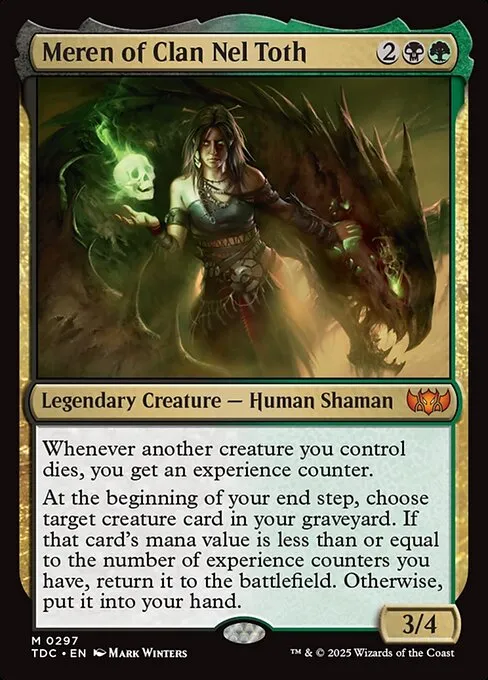
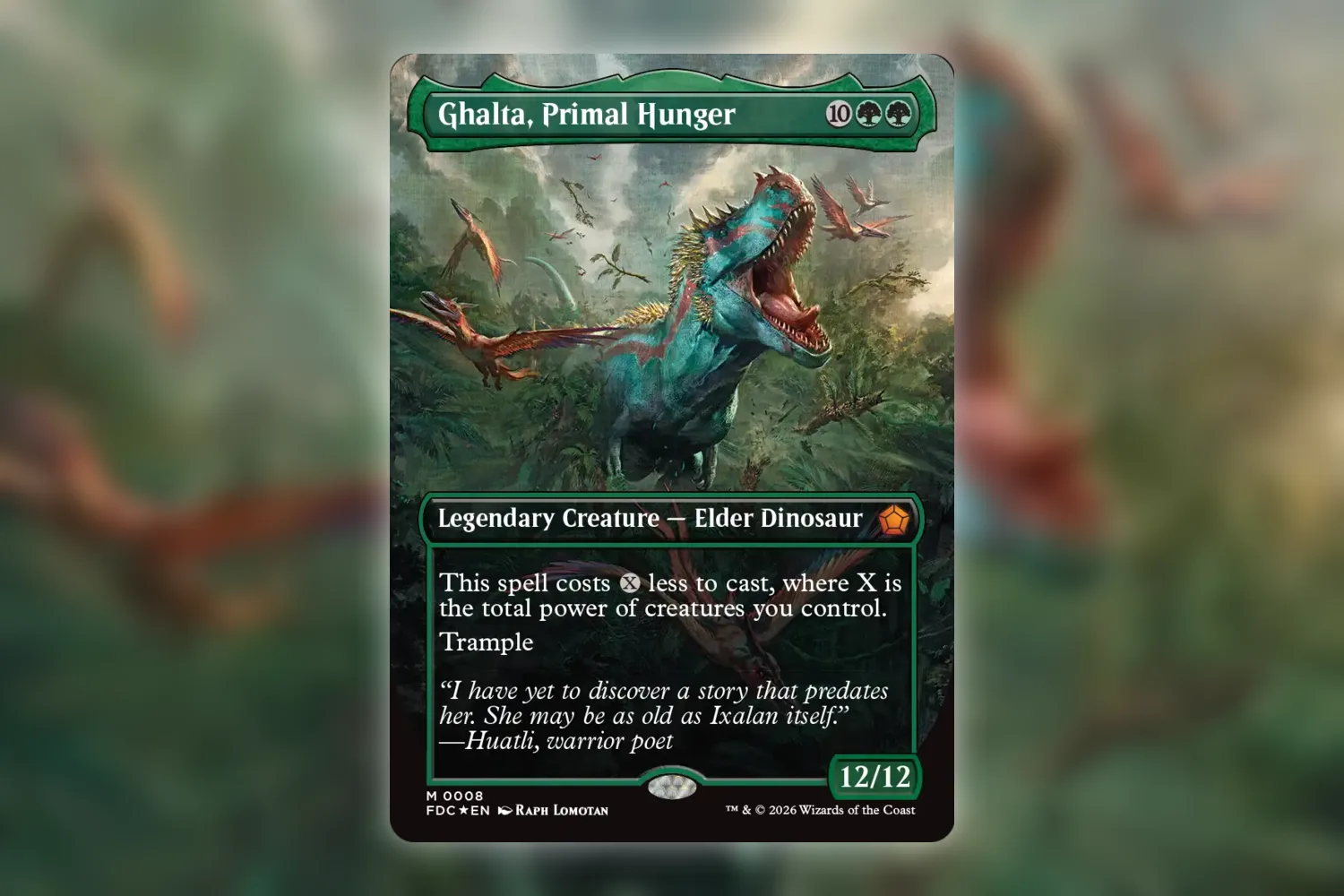
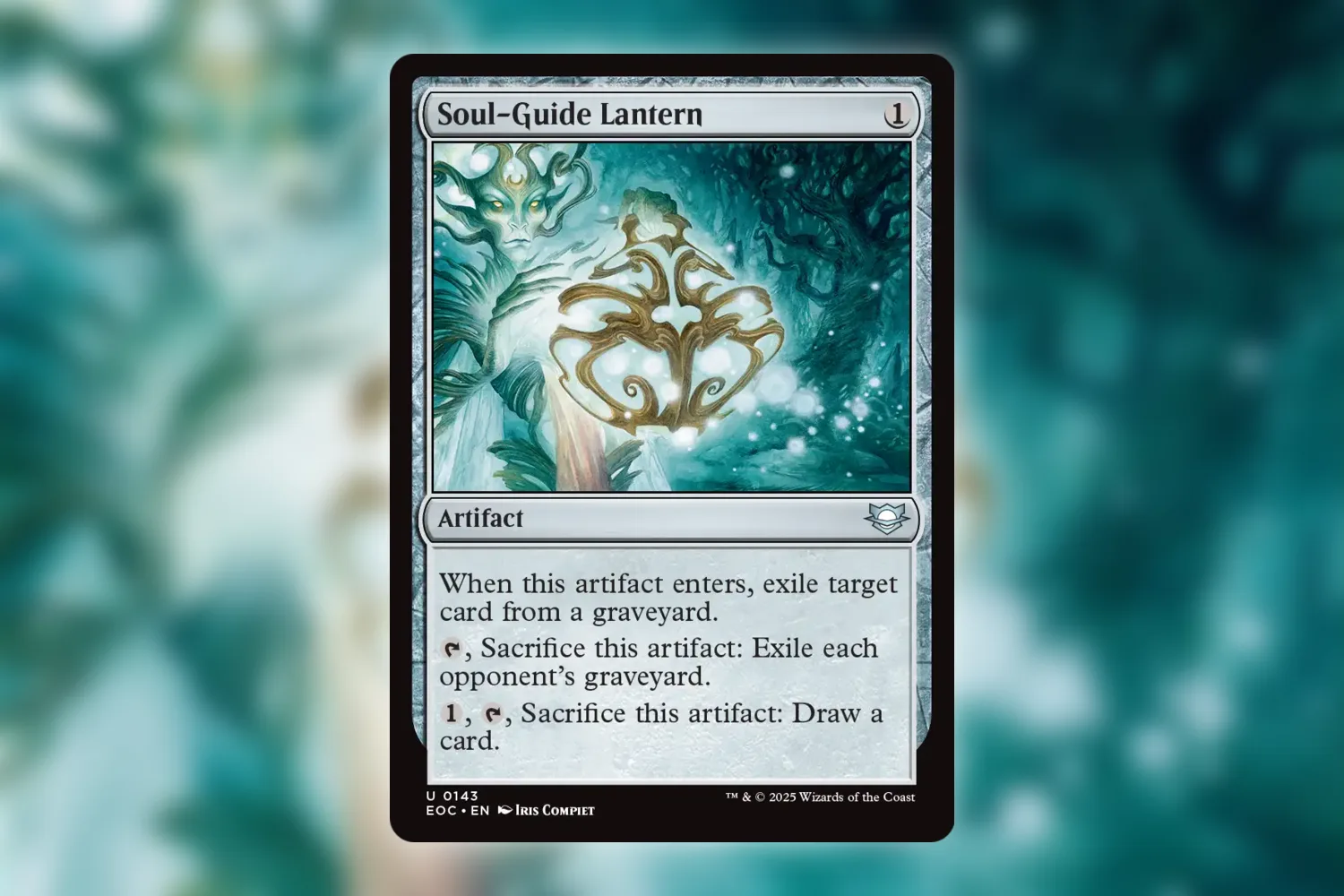
A card name is a terrible filing system. Search for Sol Ring and you get the card everybody knows, which is useful until you’re holding a particular Sol Ring and trying to record that copy. The art, set code, collector number, and finish are where the useful answer lives. These five Scryfall searches are the ones I’d keep open while auditing an MTG collection, with a box on one side of the desk and a deck that needs work on the other.
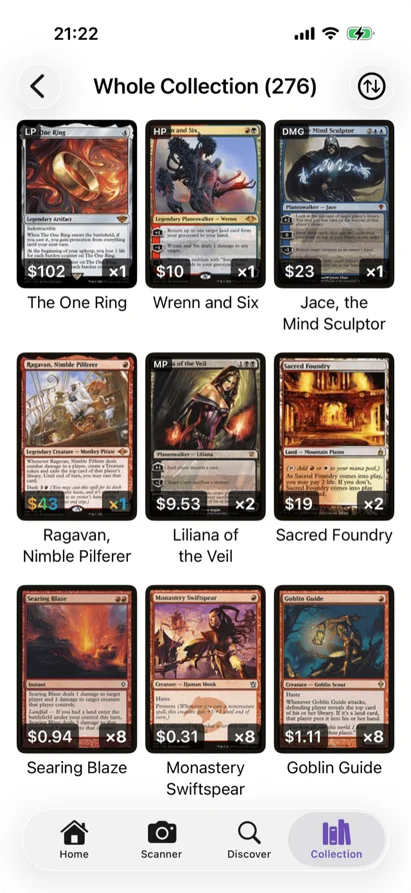
Scryfall doesn’t know what’s in your boxes. It searches the card database; you still have to compare its results with your physical cards or your collection list. I use it for two jobs: resolving a printing and finding candidates for a deck before I buy anything. If the search punctuation looks fussy, Scryfall’s own search reference has the full list of operators. You need about six of them here.
Scryfall search 1: show every Sol Ring printing
Type !"Sol Ring" and switch the results to All prints. The exclamation mark asks for the exact card name. All prints is the important second step: the usual card view collapses many versions into one result, which is lovely for deckbuilding and frustrating when you’re checking a binder. On the results page, use the All prints control if Scryfall hasn’t selected it from the link.
Don’t start by comparing prices. Start with the card face. Does the expansion symbol match? Is the art the same? Is yours a retro frame, a borderless version, or one of those reprints with a tiny planeswalker stamp on the bottom? If the symbol and frame disagree with your first guess, keep looking. A photo recognition result is a starting point, particularly with foil glare or repeated art. I’ve written about how alternate art trips up scanning; the search is the manual check after the scan.
Sol Ring is an absurd example because it has so many versions. That’s also why it works. Try the same search with the card in your hand. A card with four printings will take you less time than Sol Ring, and you’ll learn the habit without scrolling through Magic’s entire history of putting the same mana rock in a different box.
Scryfall search 2: use the set code and collector number
Once you’ve read the bottom of the card, search set:cmm cn:410. That returns Commander Masters collector number 410, a specific Sol Ring printing. set: limits the result to a set code. cn: pins down the printed collector number. Swap those two values for the ones on your card.
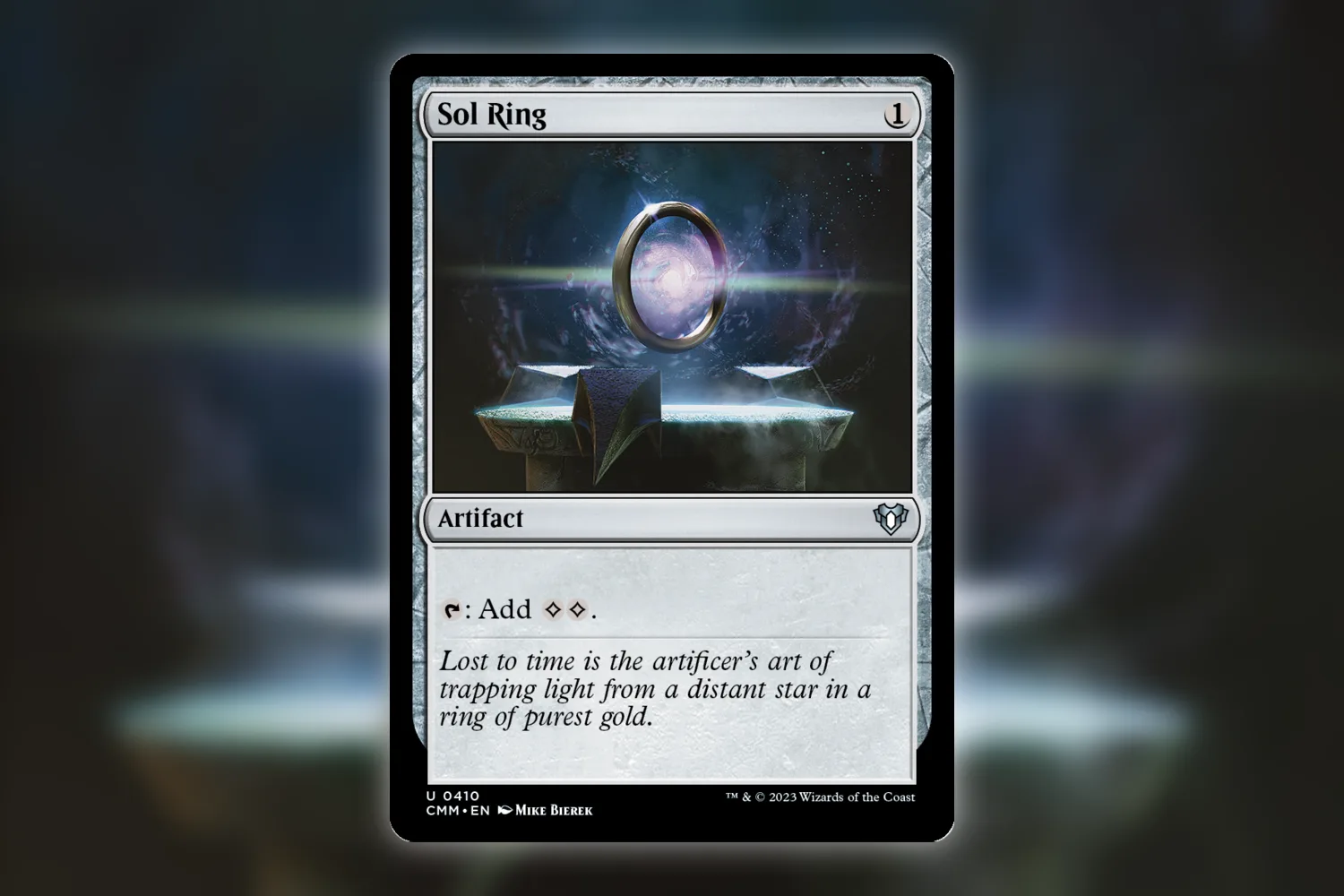
This search is faster than name matching when two versions share art. It also makes mistakes easier to spot: if the result shows a different frame from the card you’re holding, inspect the code again. Scryfall’s result can tell you the printing and its current reference price; it can’t tell you whether your copy is scratched, curled, or the foil version. Record those separately. If the card has a little planeswalker stamp, the stamped reprint guide explains why its apparent old set code can send you to the wrong entry.
There are cards where this shortcut gets weird. Tokens have their own numbering. Some promo numbers use letters or prefixes. And older cards often don’t have a modern collector line at all. In those cases I go back to All prints and compare images. I don’t actually know a magic query that can identify a worn 1990s card from a half-visible expansion symbol, and I’m suspicious of anyone who claims one.
Scryfall search 3: check a set box before calling it bulk
Try set:neo r:uncommon usd>2. It asks for Kamigawa: Neon Dynasty uncommons with a Scryfall USD price above two dollars. r: is the printed rarity, and usd> is a price filter. I picked Neon Dynasty because Tamiyo’s Safekeeping is the sort of uncommon I would leave between draft commons if I sorted by rarity alone. It showed a Scryfall USD reference price of $4.67 for the NEO printing when I checked on October 15. The threshold is an invitation to inspect a box, not a promise that every qualifying card will sell for that amount.
Change neo to a set you actually have. Run it once for uncommons, then again for commons if your box is old or you play Pauper. The result is a pull list: look for those names, check the collector number, and inspect condition before moving anything into a trade pile. Prices move, and the results will move with them. If you’re working through a big box, sort it into small passes rather than trying to value every card in one sitting.
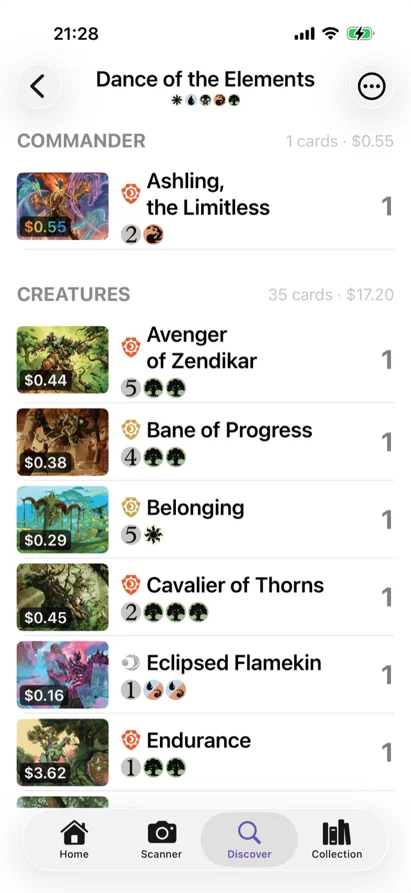
There’s a tempting objection here: if you’ve already scanned every card, why search the set again? Fair. A complete, correctly identified inventory with current prices makes this pass much less useful. But if the box was logged years ago as card names only, or the foil and printing fields are patchy, the set query gives you a short list of entries to verify. I’d do that before exporting a sell list.
Scryfall search 4: find green artifact answers you can actually play
For a green Commander deck, try legal:commander id:g t:instant o:"destroy target artifact". legal:commander checks format legality, id:g restricts color identity to cards a green commander could use, t:instant sets the card type, and o: searches Oracle text. The quoted phrase keeps those words together.
The search can surface Return to Nature, which also has enchantment and graveyard modes. That doesn’t mean it’s automatically the right answer for your deck. Maybe you need a creature that destroys an artifact when it enters, or a spell that hits any permanent. Remove t:instant or change the Oracle phrase, and the list changes. The practical step is checking your old precon leftovers and collection entries before adding a card to a shopping cart.
So, yes, this is a card database search. Then you go to the box. Is the Return to Nature already in the green sleeve pile? Is it still in a precon? Did you lend it out? The internet has done its part at that point.
Scryfall search 5: look for protection with a mana limit
Try legal:commander id:g t:instant o:hexproof mv<=2. mv<=2 keeps the mana value at two or less. The search finds text mentioning hexproof, so read the result rather than treating every hit as interchangeable. Tamiyo’s Safekeeping protects a permanent and grants indestructible too; Snakeskin Veil targets a creature and leaves a +1/+1 counter. One can save a land or artifact you control, the other can’t. That difference is easy to lose when the shopping list just says “cheap protection.”
I like this search more than a generic “best green protection” list because I can change the constraints to match a real deck. Raise the mana limit. Search white instead. Drop t:instant and see what repeatable pieces appear. Then compare candidates against what’s physically available; a card sleeved into another deck isn’t a spare copy just because your collection total says you own one. The want-list check is a useful last pass if you’re about to buy the gaps.
Keep the five searches in a note and replace the set, name, color, or text when the next box lands on your table. The useful part isn’t memorizing punctuation. It’s knowing which question to ask before a card goes into the wrong binder slot or into your cart for the second time.