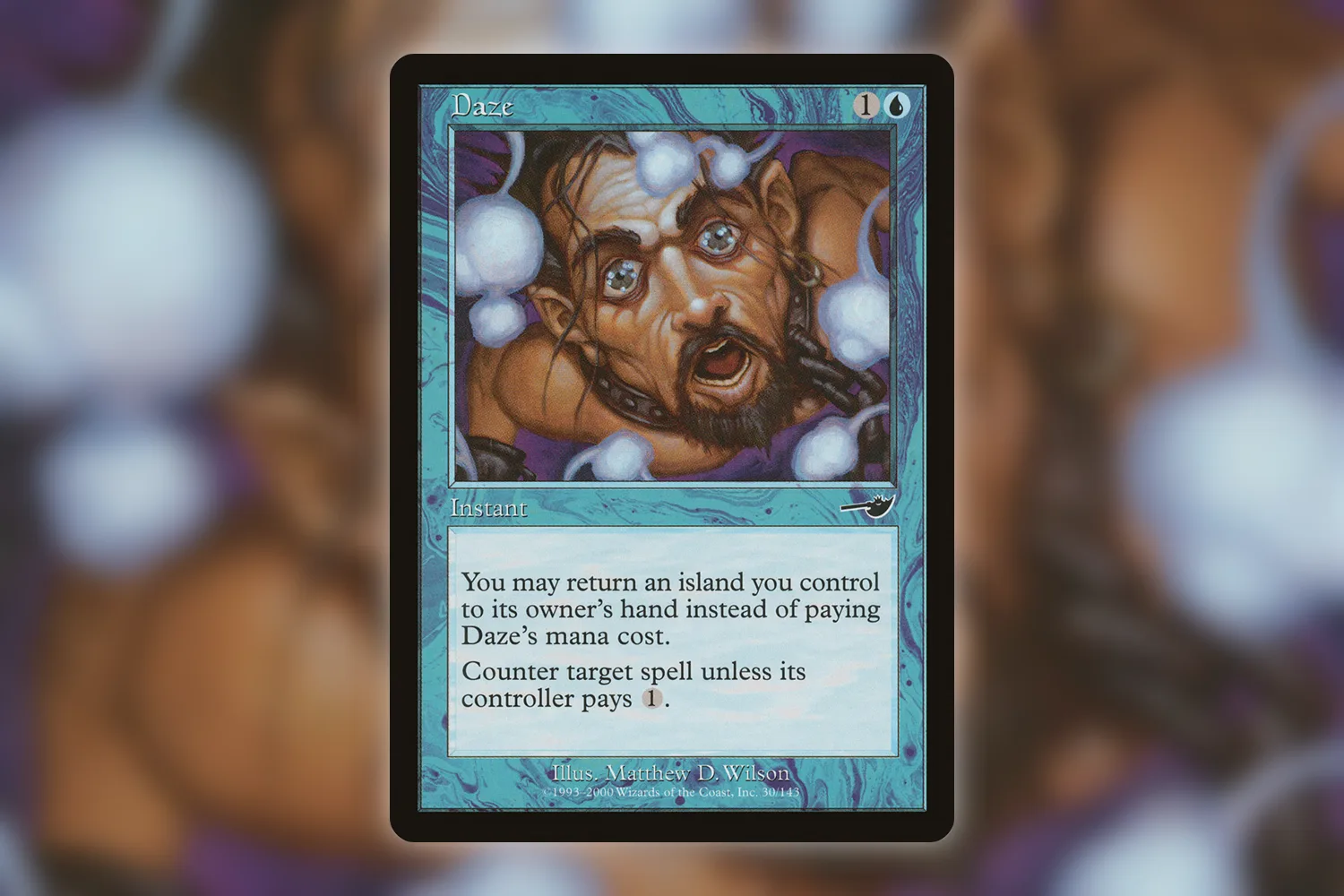
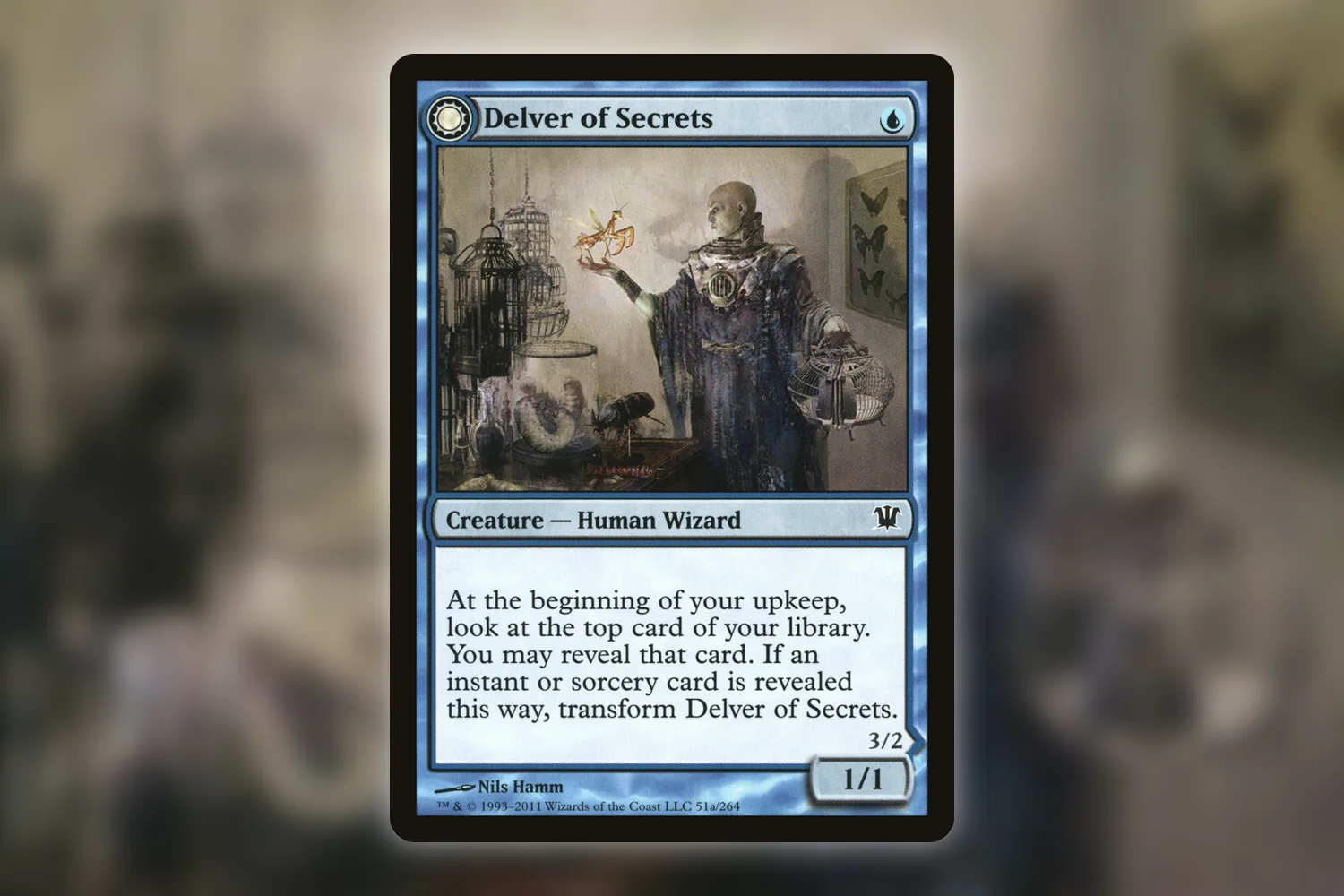
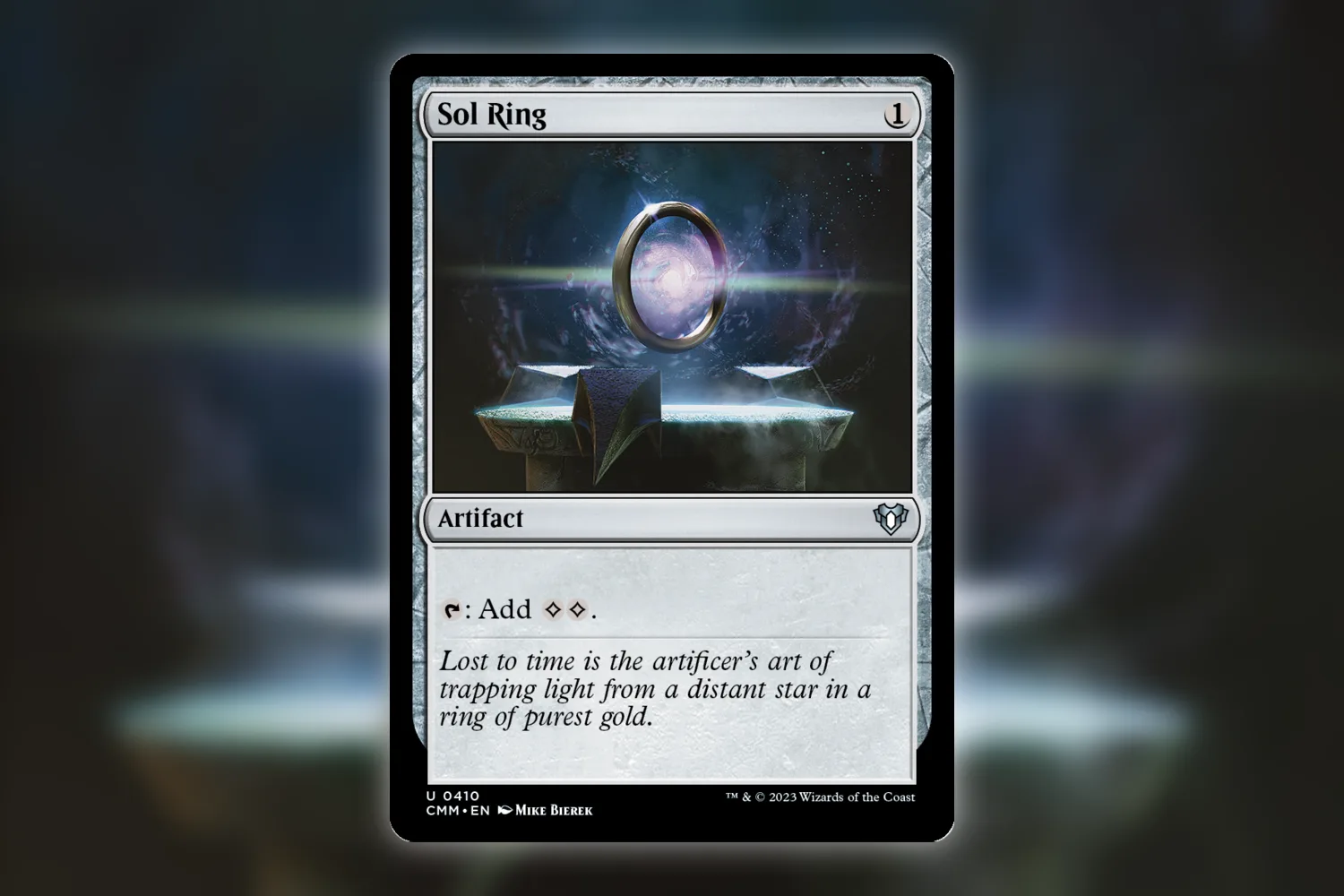
Eight copies of Sol Ring in the app. Four you can actually find. An MTG collection count like that makes me suspicious of the last import, although I’d check the deck boxes before accusing the file. Two loose copies and two sleeved into decks can disappear into four different places remarkably easily.
I’d use Eldwyn to work backwards from that total: find the printing, check the containers holding it, then compare each recorded quantity with the actual cards. The app keeps quantities, finishes, conditions, and locations together, so you can investigate one small part of the collection without starting the whole scanning project again.
Check what your MTG collection count is counting
Four rows can describe four copies. They can also describe forty copies, or two physical cards you’ve entered twice. Counting the rows in an export won’t settle it. Look at the Quantity field and which kind of record each row represents.
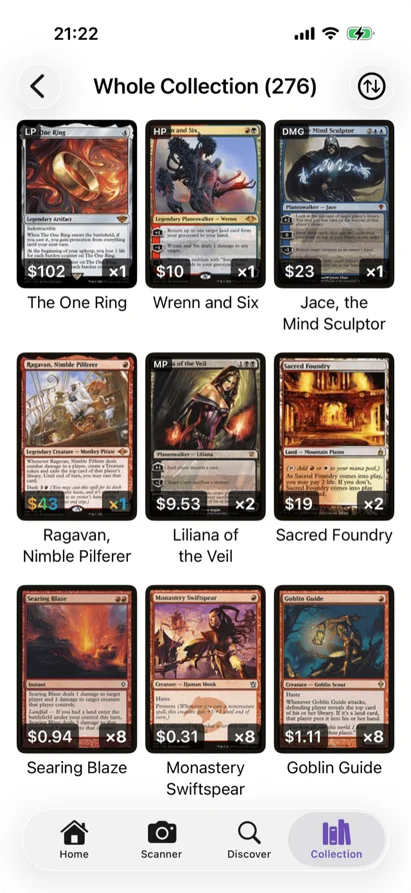
Eldwyn’s Whole Collection view groups matching entries by printing, finish, language, and condition. Copies stored in different containers can therefore contribute to one tile’s displayed quantity. Seeing a single tile with an eight on it doesn’t tell you which binder or deck contributed the extra four.
Start with one recognizable card. Open the relevant binders and physical decks and check their entries for that printing. If you use cubes or record opened boosters as containers, check those too. Put the actual cards beside the phone as you go, keeping each container’s stack separate.
For example, suppose all these are the same nonfoil, English, near-mint Commander Masters printing, and an accidental second import duplicated every location:
| Physical location | Copies on the table | Copies recorded across both imports |
|---|---|---|
| Trades binder | 2 | 4 |
| Red Commander deck | 1 | 2 |
| Cube | 1 | 2 |
| Total | 4 | 8 |
The binder has two real copies. The deck and cube each have another. Reducing the whole collection to one copy because every entry has the same name would erase three perfectly legitimate cards from your inventory.
A decklist needs a different reading. It describes a configuration you want to build or remember. A physical deck holds owned cards. Eldwyn keeps those as separate things. A card appearing in your owned binder and in a saved decklist can be completely correct; the list hasn’t created another piece of cardboard.
Export first, and keep that file untouched
In Eldwyn’s Settings, under Collection, choose Export Collection and save the CSV somewhere you can find it again. Keep that original file and use a separate copy if you want to inspect it in a spreadsheet. I’d put “before count audit” in the saved filename, because a folder of identically named exports is its own little hobby.
The export includes Container Name, Container Type, Card Name, Set Code, Collector Number, Foil, Quantity, Scryfall ID, Language, and Condition. It also includes records for things such as decklists, card lists, and loans. For an owned-card tally, inspect the physical container rows for binders, decks, boosters, and cubes, with Placeholder set to false. Count each owned copy once; a loan record describes copies already represented in their source container.
You can filter that working copy down to the suspicious card, then compare the quantities and container names. A repeated container with a suffix such as “(2)” deserves a look. It could come from a repeated import, or you could have intentionally made another binder with a similar name. The cards on the table get the deciding vote.
Eldwyn’s Import Collection confirmation says that importing creates new binders, decks, and lists while leaving existing data unchanged. Importing the same backup again can therefore add another inventory of the same physical cards. Keep the export as your reference during this audit; importing an edited version alongside the existing collection would give you another batch to untangle. The collection migration guide covers the broader file-format problems.
I don’t know whether a mysterious extra binder in your collection came from an import, a scanning session, or a deliberately separate pile. A matching name and quantity are clues. I’d leave the record alone until I could account for the physical copies.
Fix the entry inside its actual container
Say the Trades binder really holds two copies, and its Eldwyn entry says four. Open that binder, open the card, and choose Edit Card from the three-dot menu. Change the quantity to two and save. Check the selected printing, finish, language, and condition while you’re there.
I’d make that edit from the specific container being audited. A whole-collection total combines locations, and changing one location’s entry is much easier to reason about when you’re looking at the corresponding pile.
If there are two separate records, establish what each represents before removing either. Two copies entered individually should still total two. One physical copy recorded twice should total one after the erroneous record is removed. Check any notes, acquisition information, or loan details attached to the records before choosing which one to retain.
When Eldwyn merges matching owned-card entries, it adds their quantities. Two entries with quantity two become one entry with quantity four. That’s useful for consolidating real holdings. An accidental extra four copies will still need a quantity correction based on your physical count.
Different editions deserve their own check. Scryfall assigns a unique ID to each card record, which helps identify the database entry you’re comparing. That ID doesn’t identify an individual piece of cardboard. Two matching IDs can represent two real copies; different printings of the same card can correctly have different IDs. Finish and condition need to survive the audit too.
I’m tempted to recommend doing this for the entire collection immediately. Then I picture a nearly accurate inventory of several thousand cards and one questionable binder, and that feels like a ridiculous way to spend a Sunday. I’d finish the binder, check a few unaffected containers, and widen the audit if the same pattern turns up elsewhere.
Moving a card shouldn’t turn it into a purchase
If the copy left the binder and went into a deck, use Eldwyn’s Move Card action to change its location. Adding the card to the deck while leaving the owned binder entry behind gives the app two records for one copy.
The Precons browser offers another easy place to do this accidentally. Add as Deck adds owned-card entries for the deck. If you’ve already scanned those exact cards, make an empty physical deck and move the existing copies into it instead. Save as Decklist keeps a reference list. The precon-upgrade tracking guide walks through that distinction and the subsequent swaps.
Double-faced cards can produce a similar misunderstanding in old records. One front and its reverse belong to one physical copy. If that’s where your excess count came from, the double-faced card guide covers checking both faces without adding the reverse as another owned card.
Okay. The binder says two now. The deck has one. The cube has one. Four. Put the binder copies back before opening the next box, because otherwise you’ve made a new unlabelled pile while fixing the old one. I’d probably put it directly on top of the export notes, too. Very efficient.
Give the next scan a stopping point
For the next incoming stack, pick its destination in Eldwyn before adding anything. Use the binder or deck where the cards will actually live. Keep a clear unprocessed pile and a processed pile, and record how many physical cards you’re adding in that session.
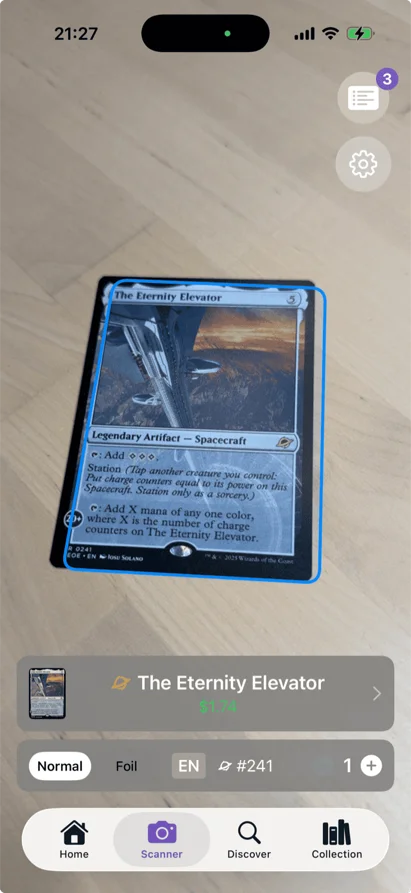
Recognition still needs a glance. TCGplayer’s scanner FAQ explicitly warns that shared artwork can lead its app to choose the wrong printing. In Eldwyn, check the matched edition and finish before adding the card, especially when several versions look alike. A correct name alone doesn’t finish the check.
If you’re adding twelve physical cards, the destination’s owned quantity should rise by twelve. That assumes you’re adding new holdings; moving twelve existing cards should change their location while leaving the collection’s owned total alone. For a mixed pile, separate the moves from the new additions before scanning.
There’s a very believable version of this evening where I carefully scan twelve Commander Masters cards, lose my place because I’ve stopped to read Sol Ring’s flavor text, and scan the top three again. Entirely avoidable. I can also see myself keeping the two piles six inches apart and then knocking them together with the phone cable. Give them more room than that.
Once the audited container agrees with the physical stack, export a fresh copy and keep it separately from the original. If you’re starting with Eldwyn on iPhone, try this with one binder or deck first: scan, check the quantities, and save the export. Leave the next box shut until that first container adds up.